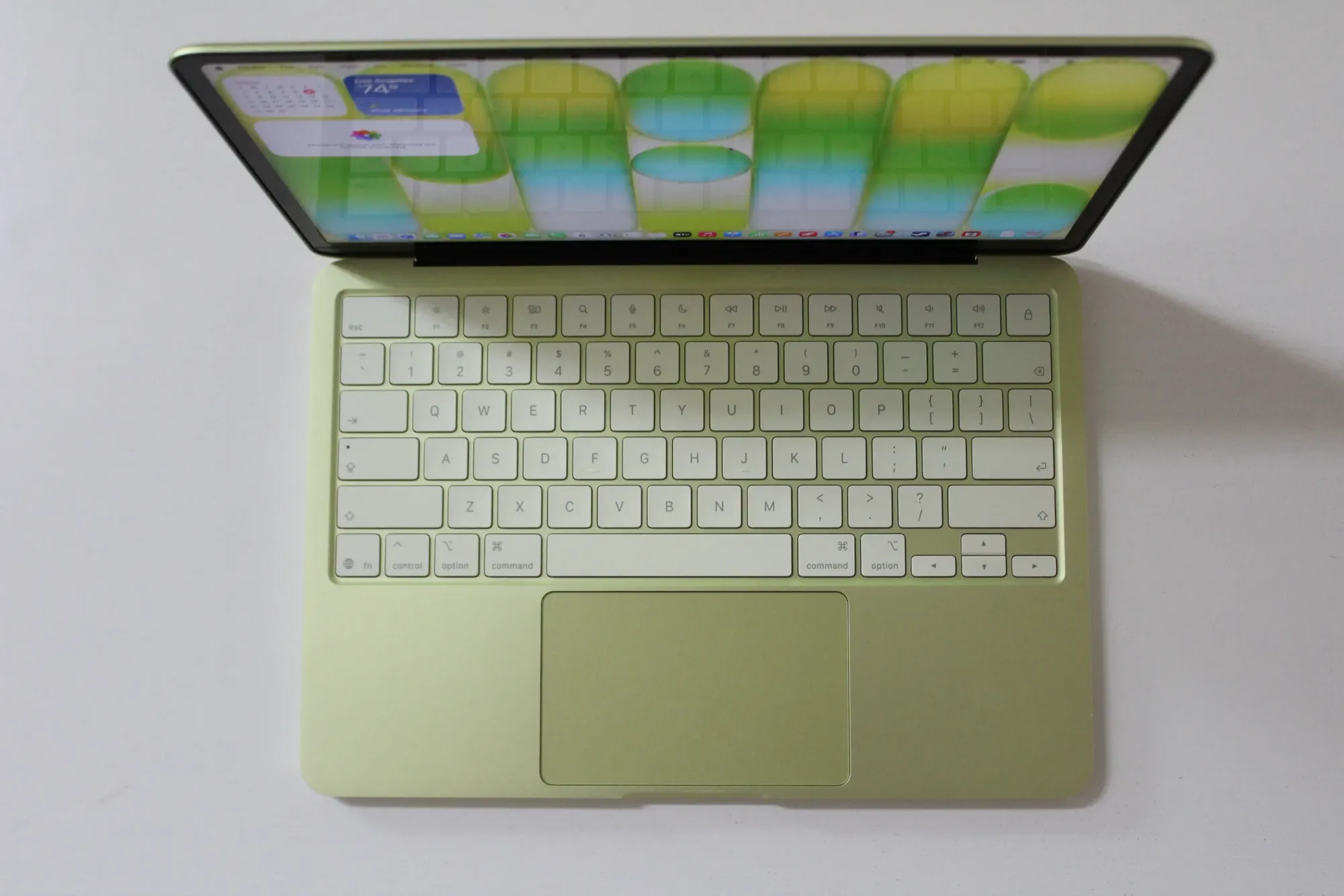
I picked up a MacBook Neo with 8GB unified memory. The “only 8GB” crowd is loud. They’re mostly wrong, at least for ML experimentation.
Unified memory means the GPU and CPU share the same pool — no copying tensors across a PCIe bus, no separate VRAM budget. 8GB unified is not the same as 8GB on an old Intel box where the iGPU stole 1.5GB and left you with the rest. The whole thing is available, and Metal sees all of it.
The Setup
PyTorch ships with MPS (Metal Performance Shaders) support. Getting it running is one line:
device = "mps" if torch.backends.mps.is_available() else "cpu"
model.to(device)
x = x.to(device)
That’s it. No CUDA install. No driver roulette. Move your tensors and model to mps and the GPU does the work.
Element-wise Ops
Small tensors: CPU wins or ties — dispatch overhead eats the MPS advantage. Once you hit 50M–100M elements, MPS pulls ahead on compute-heavy ops. torch.sin hits 6.5x speedup at 100M elements. torch.exp peaks around 4x. Add/mul stay roughly even — memory-bandwidth-bound, not compute-bound, so the gap is smaller.
 MPS speedup ratio over CPU — greener = faster on Metal
 Absolute timing: MPS vs CPU across tensor sizes
Convolutions
Conv2d is where it gets interesting. Channel scaling with a 3x3 kernel at 128x128 input: MPS is consistently faster, and the gap widens — 256 channels costs ~9ms on MPS vs ~43ms on CPU. That’s close to 5x.
 Conv2d 3×3 @ 128×128: channel count scaling
Bigger kernels, bigger inputs — same story. At 512x512 with a 7x7 kernel, CPU takes ~900ms per op. MPS: ~60ms. The larger the spatial dimensions, the more Metal dominates.
 Conv2d 64ch — kernel 3×3, 5×5, 7×7 across input sizes
Real Model Training
ResNet-18 training on MPS vs CPU. Batch size 32: CPU takes ~2,250ms per step, MPS takes ~475ms. About 4.7x faster. Batch size 8 is still roughly 3x. This is an actual training loop, not a toy benchmark.
 ResNet-18 training — time per step by batch size
Inference
ResNet-18 and MobileNet V2 inference at batch 64: CPU tops 2,000ms+, MPS stays under 270ms on ResNet-18 and under 200ms on MobileNet V2. For anything that needs to iterate fast in a dev loop, the difference is real.
 Inference: ResNet-18 and MobileNet V2 — MPS vs CPU by batch size
Bottom Line
8GB is not a dealbreaker. MPS works. Training ResNet-18 at 4–5x CPU speed on a laptop you can carry anywhere is useful. Stop waiting for a GPU machine to do exploratory work.
The notebooks behind these benchmarks are on GitHub. Clone it, run it on your machine, see where it lands.